

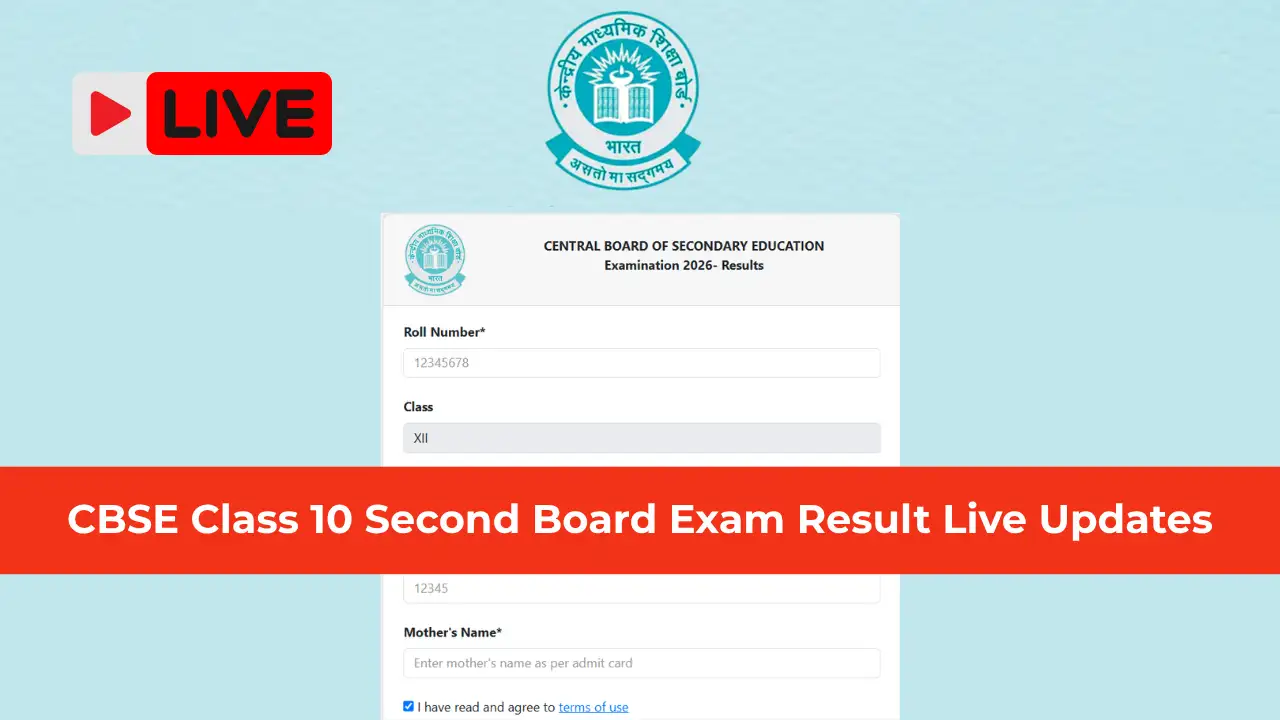
The second board examination was introduced as part of CBSE’s new two-exam system for Class 10, giving students an opportunity to improve their performance after the main board examination. Once declared, students will be able to access their revised scorecards online using their login credentials.
CBSE will make the provisional digital marksheet available through its official websites as well as DigiLocker and the UMANG app. Students are advised to verify all details on the marksheet, including their name, roll number, subject-wise marks, grades and qualifying status. The original marksheet will be issued separately by the board through schools.
How to Download the CBSE Class 10 Second Board Marksheet
- Visit the official CBSE result portal.
- Click on the CBSE Class 10 Second Board Result 2026 link.
- Enter your Roll Number, School Number, Admit Card ID, and other required credentials.
- Click Submit.
- Your result and provisional marksheet will appear on the screen.
- Download and save the marksheet for future reference. Students can also access their digital marksheet through DigiLocker and the UMANG app.
